

Best Workflow Automation Tools for Small Businesses: A Buyer’s Guide
Editorial disclosure: This buyer’s guide preserves reader-first editorial independence: product inclusion is based on workflow fit and official documentation, not commission availability. It contains an affiliate link for Make (marked rel="nofollow sponsored") from which Biglogy may earn a commission at no extra cost to you; Zapier links point directly to the official site with no active tracking.
The best workflow automation tool for a small business is the one that reliably removes a specific bottleneck without creating a larger maintenance problem. A visual builder, a long integration catalog, or a low entry price can help, but none of those qualities proves that a platform will fit your volume, data sensitivity, error-recovery needs, or team skills.
Short Answer
Start with the simplest option that can pass a real workflow test. Use native app automation for one contained task, compare Zapier for straightforward cross-app actions, evaluate Make for visible multi-step logic, and consider n8n when deployment control or technical extensibility justifies greater operational responsibility. These are shortlist categories, not universal rankings.
First Define the Workflow
- Trigger: What exact event starts the process?
- Required data: Which fields must be present, validated, and retained?
- Decision: What rules route, reject, enrich, or delay the record?
- Destination: Which system becomes the source of truth?
- Failure owner: Who responds when a credential expires or a destination rejects data?
- Success measure: What time, error, or revenue-adjacent metric should improve?
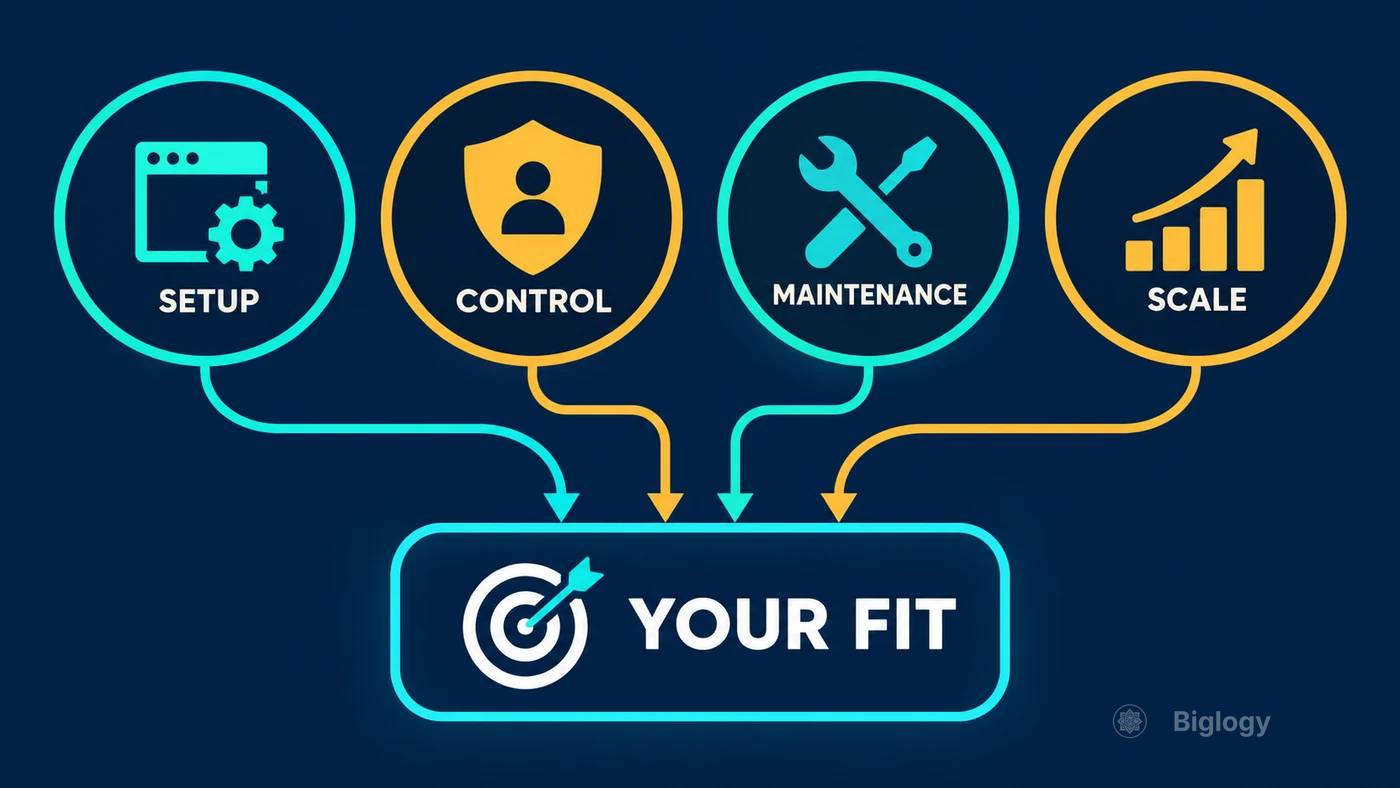
If you cannot answer those questions, software selection is premature. Use Biglogy’s 20-item software trial checklist to turn a vague demo into a controlled evaluation.
Four Practical Automation Paths
1. Native App Automation
Many forms, CRMs, email services, spreadsheets, and commerce platforms include basic rules or direct integrations. Native automation is often the best starting point because it removes an external dependency. Its weakness appears when the process spans several systems, needs transformation, or requires branching that the native feature cannot express.
2. Zapier
Zapier is commonly evaluated for trigger-and-action workflows across cloud applications. Its official help documentation shows how a user can connect services such as Google Sheets and configure actions around records. Small businesses should test multi-step requirements, task consumption, duplicate handling, and recovery behavior rather than assuming a simple two-app example represents the production workflow. For a direct cost-and-branching breakdown against a visual alternative, see our Make.com vs Zapier comparison.
3. Make
Make presents scenarios as visual modules and routes. It can suit teams that need to see transformations and branches. The evaluation must include credit consumption: official documentation explains that scenario actions consume credits and that some AI or advanced usage can be calculated differently. Biglogy’s guide to hidden software costs is relevant when estimating volume, overages, and maintenance, and our Make.com review details credit behavior and scenario tradeoffs.
4. n8n
n8n offers a managed cloud route and self-hosted editions. Its official documentation makes the tradeoff explicit: cloud avoids infrastructure management, while self-hosting gives more control but makes the operator responsible for deployment, configuration, security, updates, persistence, and reliability. “Self-hosted” is not the same as “free to operate.” Compare deployment overhead side-by-side in our Make.com vs n8n comparison.
Comparison Framework
| Path | Best initial use | Main strength | Main risk to test |
|---|---|---|---|
| Native automation | One contained workflow inside an existing stack | Fewer dependencies | Limited branching, transformation, or observability |
| Zapier | Clear cross-app triggers and actions | Approachable setup for common SaaS workflows | Task usage, edge cases, and multi-step cost |
| Make | Visual multi-step logic and transformations | Scenario visibility and routing | Credit consumption and scenario maintenance |
| n8n Cloud | Technical workflows without self-host operations | Managed deployment with extensibility | Plan fit and required technical ownership |
| n8n self-hosted | Teams needing deployment control | Infrastructure and configuration control | Security, backups, uptime, updates, and staff time |
| Custom code | Stable, high-value workflows with unique requirements | Maximum control | Development, testing, monitoring, and long-term ownership |
Score the Complete System
- Functional fit: Can it reproduce the actual workflow, including exceptions?
- Data governance: Where does customer, employee, or financial data travel?
- Reliability: Can the team detect, retry, and reconcile failed events?
- Cost model: How do events, tasks, operations, credits, executions, or infrastructure scale?
- Maintainability: Can another person understand and safely change the workflow?
- Portability: Can field maps, workflow logic, and business data be exported or reconstructed?
- Support: What help is available at the plan under consideration?
A Seven-Day Pilot
Before the pilot begins, create a minimal security record for every connection. Note which account owns the credential, what permissions it grants, where secrets are stored, who can rotate them, and what data crosses each service boundary. Prefer the narrowest permission that still supports the test. Remove abandoned test connections after the decision. A workflow is not ready for production merely because it moved a sample record; the team must also understand who can trigger it, inspect it, change it, and recover it.
- Select one repetitive process with a named owner.
- Measure its current time and error rate.
- Build the smallest end-to-end version in no more than two shortlisted tools.
- Run normal, duplicate, missing-field, high-volume, and unavailable-destination tests.
- Record actual platform consumption and human supervision time.
- Export the workflow documentation and required business data.
- Choose only if the pilot improves the stated measure without creating unacceptable risk.
Common Buying Mistakes
- Buying before the workflow is documented.
- Comparing entry prices while ignoring usage units and overages.
- Counting a technically completed run as a successful business outcome.
- Automating sensitive data without a retention and access review.
- Building dozens of workflows before one pilot has been monitored.
- Choosing self-hosting without assigning security and maintenance responsibility.
- Creating a system that only its original builder understands.
Recommendation
For most small businesses, the best first decision is a narrow pilot, not a platform-wide migration. Start with native automation if it is sufficient. Shortlist Zapier for straightforward app-to-app work, Make for visual multi-step workflows, and n8n when technical flexibility or deployment control is a real requirement. Compare them with the same test records and the same success threshold. The winner is the option your team can operate reliably at the total cost you can defend.
Official Sources Reviewed
- Zapier Help: Google Sheets workflow example
- Make pricing and credit overview
- Make Help: credit calculation
- n8n: cloud versus self-hosted
- n8n self-hosting documentation
Source review date: October 24, 2026. Product packaging and limits can change; confirm them on official pages during the pilot.


Leave a Reply
Want to join the discussion?Feel free to contribute!